Release
Version 5.0 Released
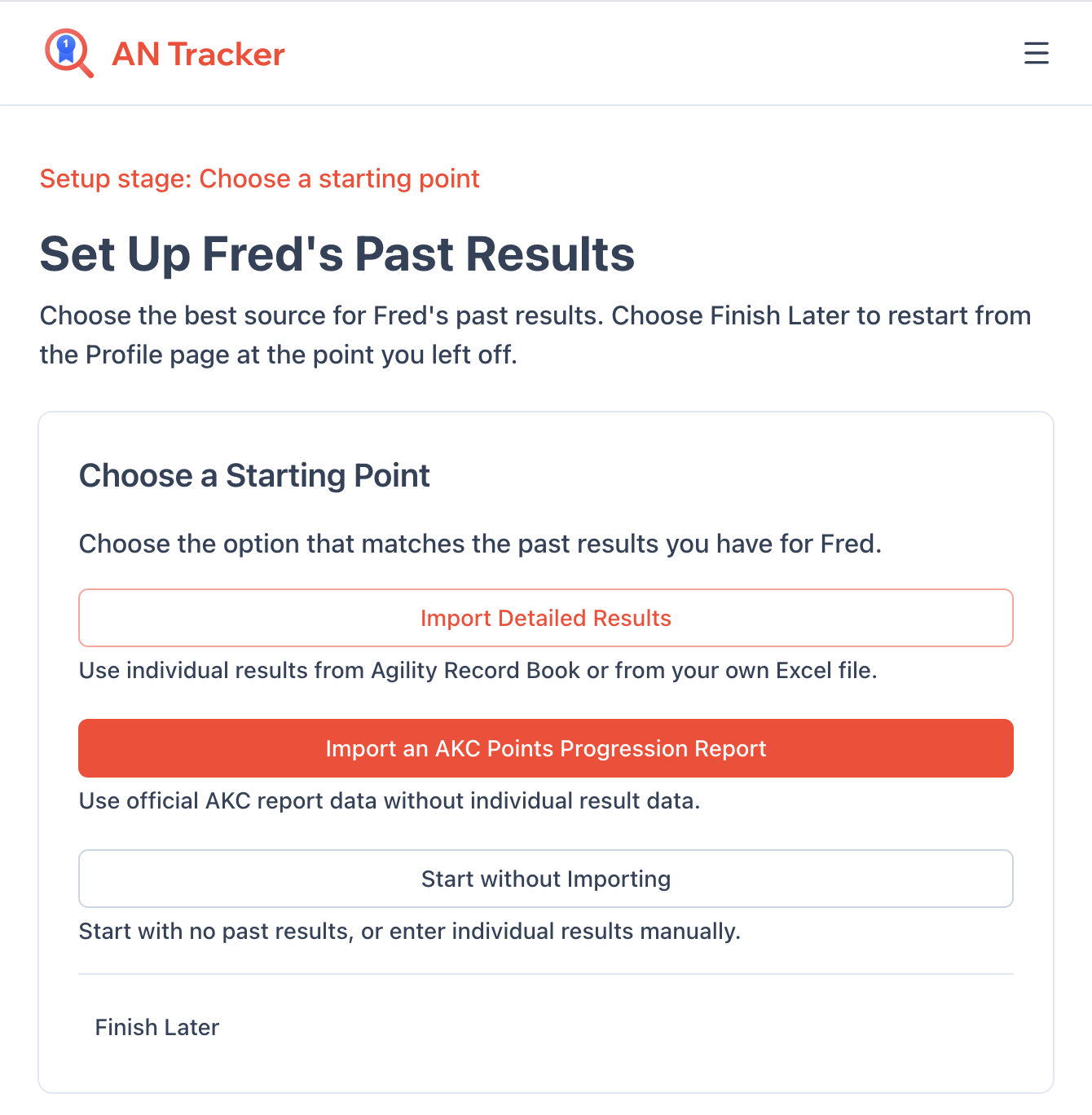
Guided setup simplifies adding a new dog's past results and title progress!
What's New
- Guided Dog Setup: After adding a dog, the Tracker guides you through getting started: import detailed results from Agility Record Book or a Tracker CSV file, import an AKC Points Progression Report, or start without importing. You can finish later and resume from the dog's Profile card.
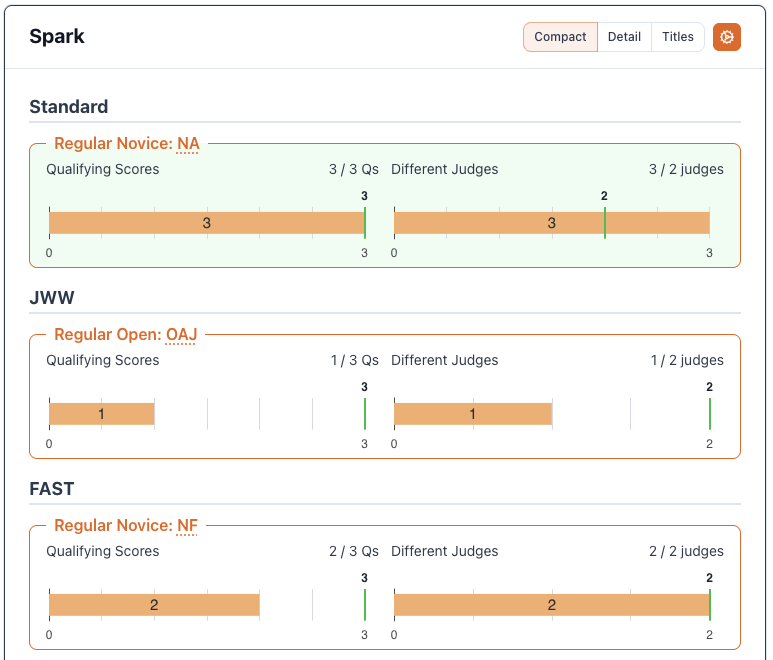
- Complete AKC Past Result Summary: AKC Points Progression Report imports now include complete non-ISC title progress, including Novice, Open, and Excellent qualifying scores, and save the report's Summary Date. Don't reimport if you've already added results manually
- Optional ISC History Import: After importing an AKC Points Progression Report, you can add ISC qualifying results from your Bad Dog Agility Ribbon Wall. Review each imported result as Clean or Faulted before completing setup.
- Guided BDA ISC Review: Regular Bad Dog Agility imports now walk you through confirming each imported ISC Individual Result as Clean or marking it Faulted. Closing the import keeps completed choices and leaves unreviewed results Clean.
Improvements
- Safer Past Result Summaries: The Tracker warns you before importing, adding, or editing an Individual Result that may overlap progress already included in a Past Result Summary.
- Clearer Import Results: Agility Record Book and Tracker CSV setup imports show imported and skipped counts, summarize the imported results, and let you retry partial imports.
- Sample CSV Download: Download a ready-to-edit sample from the CSV import page to see every supported column and value.
- BDA ISC Review: After importing ISC Individual Results from Bad Dog Agility, you can review each result and mark it Clean or Faulted. Closing the import keeps completed choices and leaves unreviewed results Clean.
- Help Videos: The Help page now includes short videos showing how to get started and import results.